
Online Playground
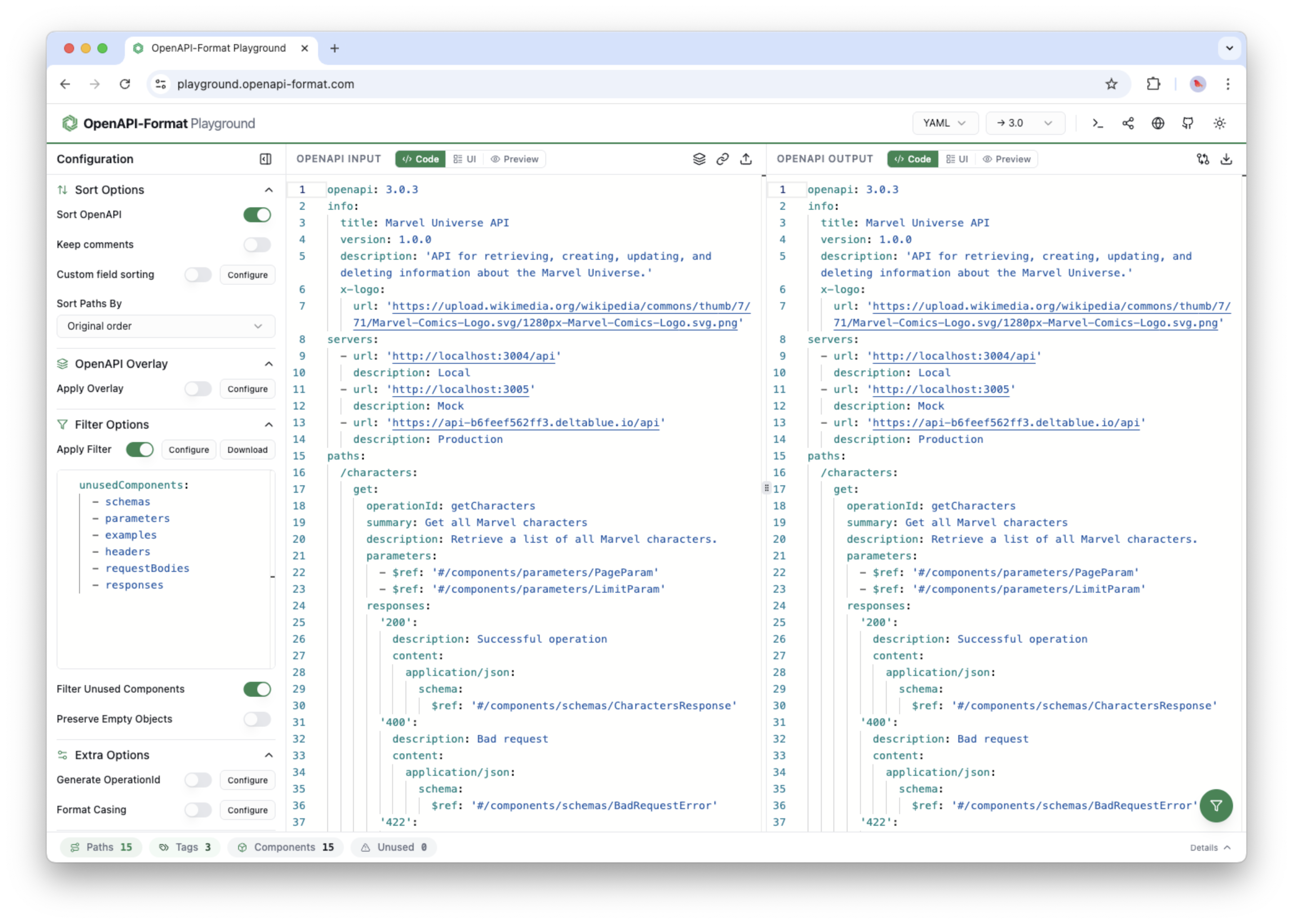
The online playground is the browser-based workspace for exploring openapi-format. It combines code editing, visual controls, previewing, and diffing in one place.
Edit in code or UI
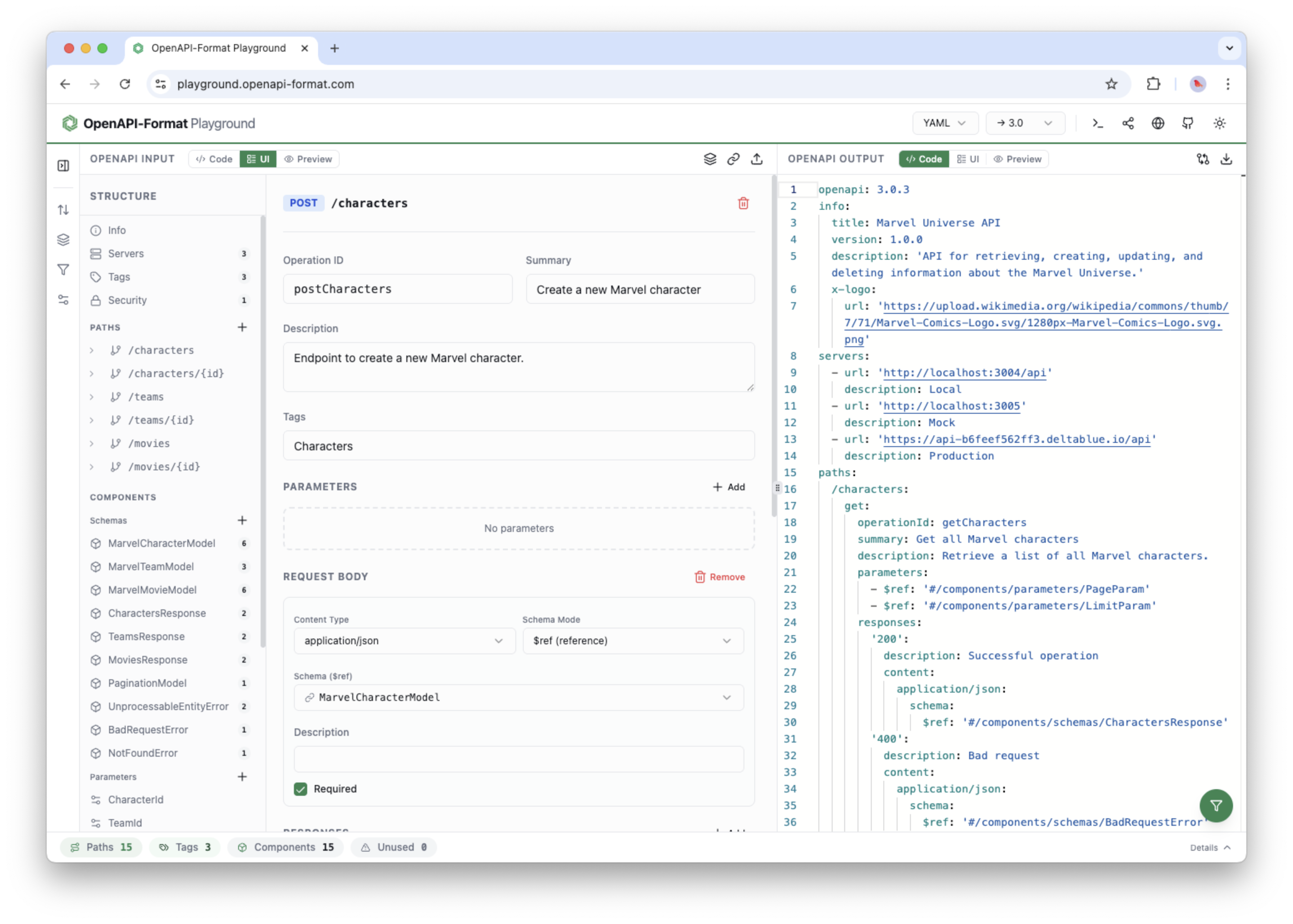
Work directly in the OpenAPI source or switch into visual controls for filters, sorting, casing, overlays, and generation.
Preview and diff
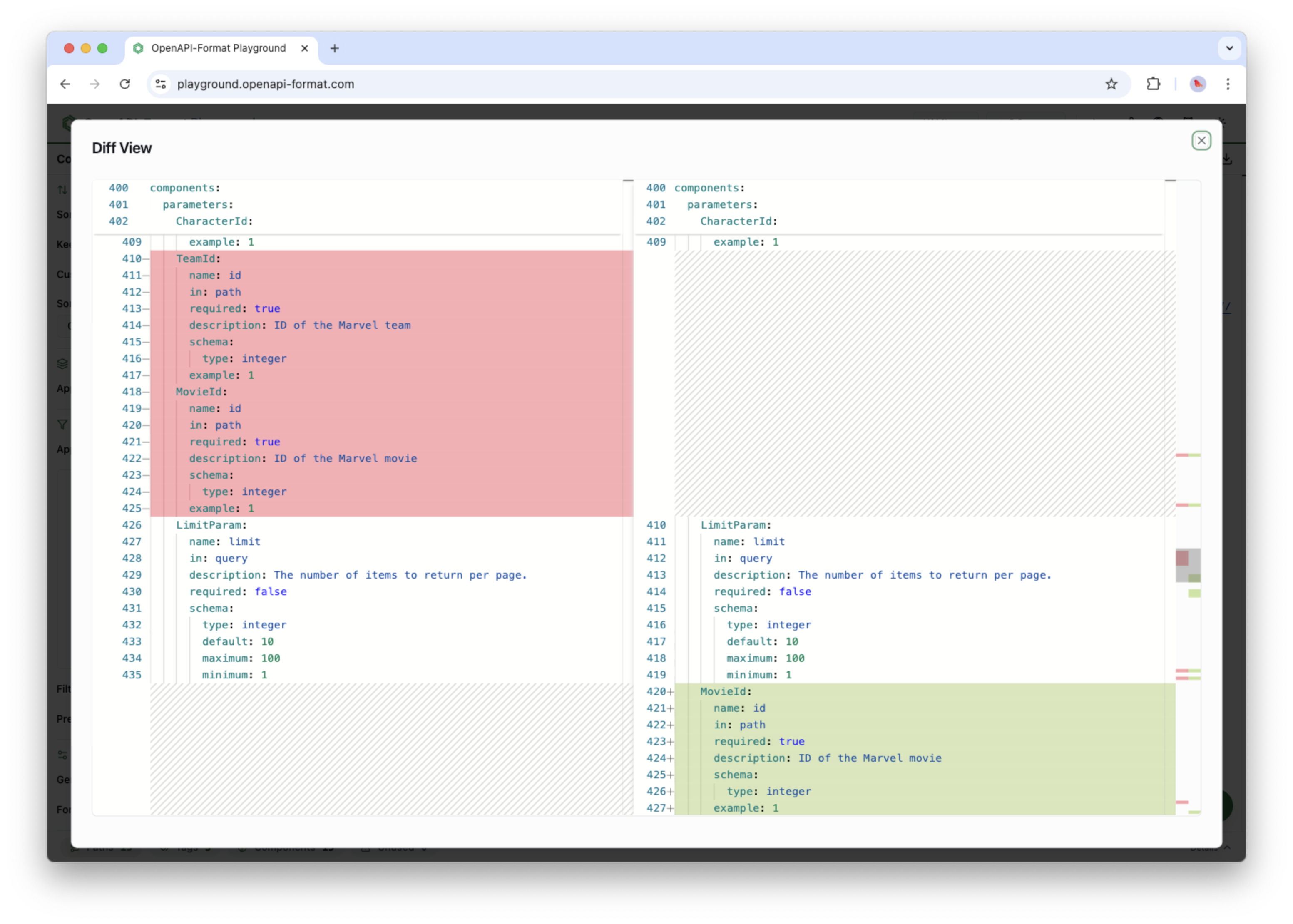
Compare original and formatted output side by side, then review changes in a dedicated diff editor before sharing or copying.
Share the state
Encode the current input and config into a shareable URL so others can open the same workspace.
Open the Playground
The CLI exposes the playground through the --playground flag. Use it to launch the browser workspace for the current document.
Terminal
npx openapi-format openapi.yaml --playgroundWhat it can do
Formatting controls
- Sort fields and paths with built-in or custom sort sets.
- Filter by methods, tags, operation IDs, and flags.
- Apply casing rules to operation IDs, parameters, and properties.
- Generate operation IDs from templates.
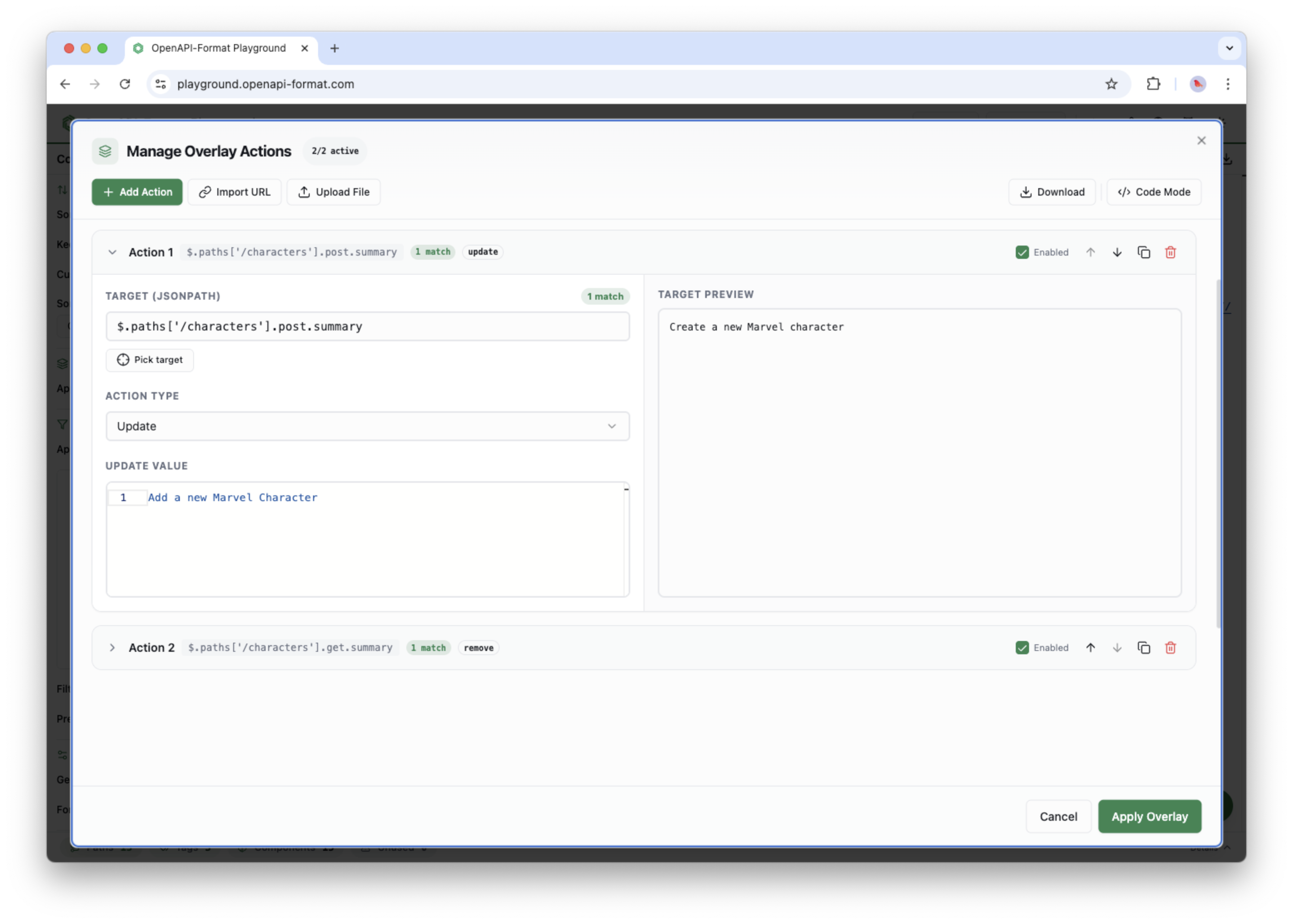
- Apply overlays and inspect overlay actions visually.
- Convert between OpenAPI versions when the input supports it.
Review and sharing tools
- See the input and formatted output in parallel panels.
- Open a preview view for the rendered API docs.
- Open a diff editor to inspect exactly what changed.
- Upload a file or import content from a URL.
- Copy output or download the formatted result.
- Generate a share URL for the current workspace state.
Modes worth knowing
- Code view for raw input and output, useful when you want full control.
- UI controls for config-driven workflows like sort, filter, casing, and overlays.
- Preview mode when you want to inspect the rendered experience instead of the raw spec.
- Diff mode when you need a focused before-and-after review.
When to use it
Good fit
- Trying out formatting changes before applying them in a repo.
- Demonstrating OpenAPI edits to teammates in a browser.
- Sharing reproducible examples through a URL instead of a file.
Prefer the CLI
- Batch processing files in CI or scripts.
- Making repeatable changes across many specs.
- Checking changes into version control as plain files.